Quick start
One bootstrap script on the host, then everything else is compose.
cp .env.example .envsudo ./setup.sh --dry-run # print the plansudo ./setup.sh # ask, build, upsudo ./setup.sh --tunnel # + cloudflared routesThen
Load code.<domain> once the tunnel is up, or work
locally on 127.0.0.1:8080. The full walkthrough —
cookbook included — lives in the docs.


What runs
Pick services per run; every one is a compose profile, and nothing auto-starts.
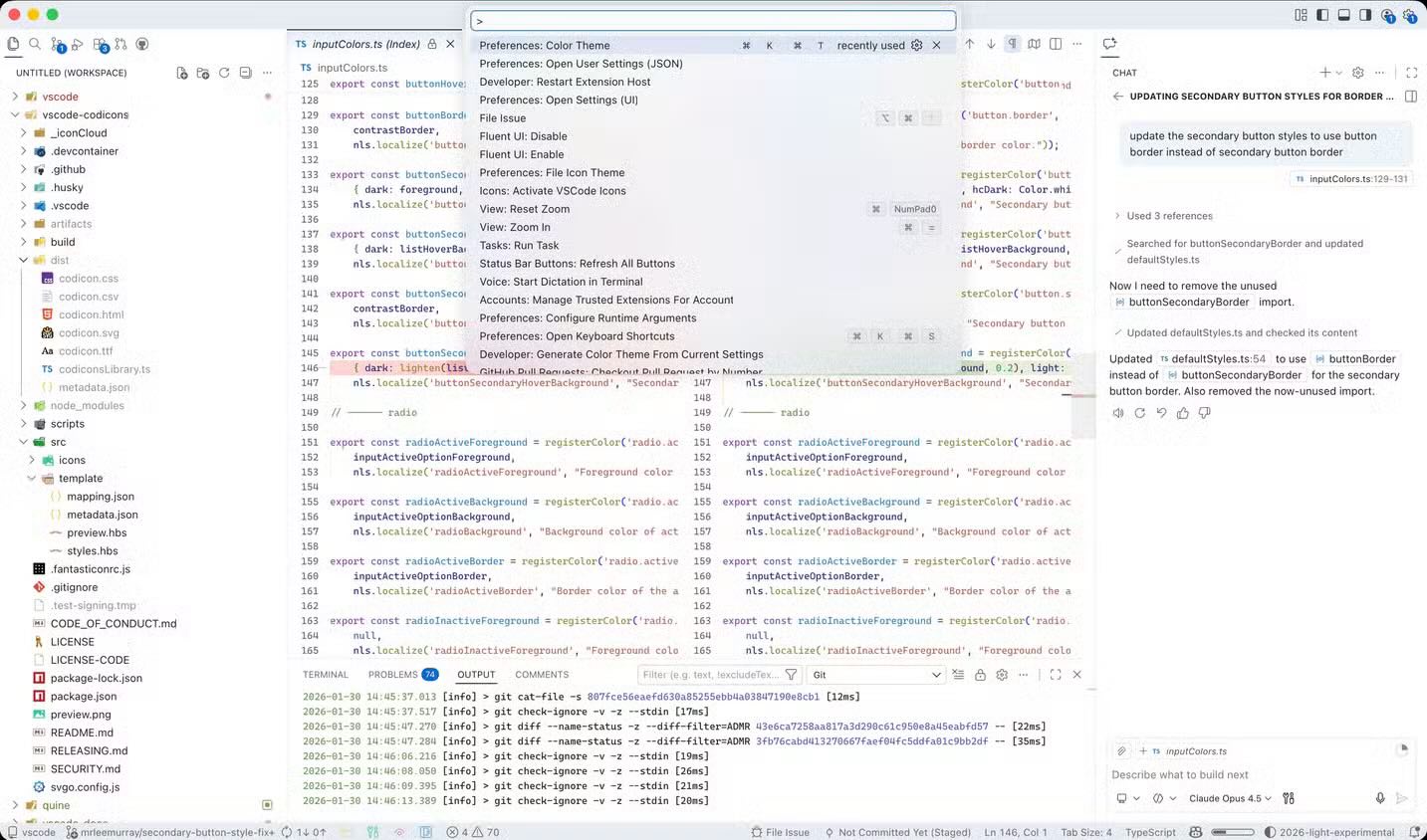
code-server
VS Code in the browser, with the openchamber, ChatGPT and Claude Code extensions installed.
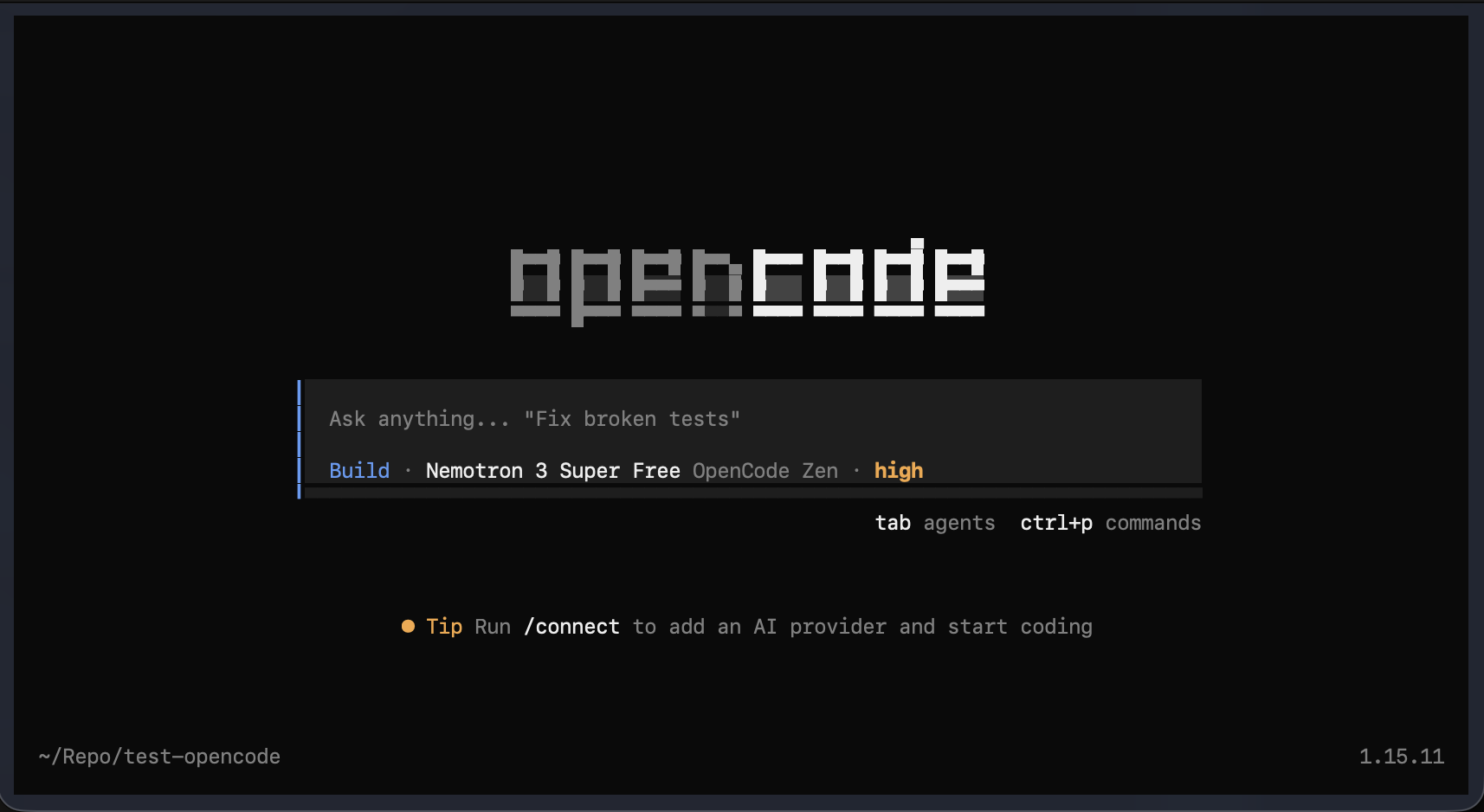
opencode
opencode v2 — one port for the API and the web UI, password-protected out of the box.
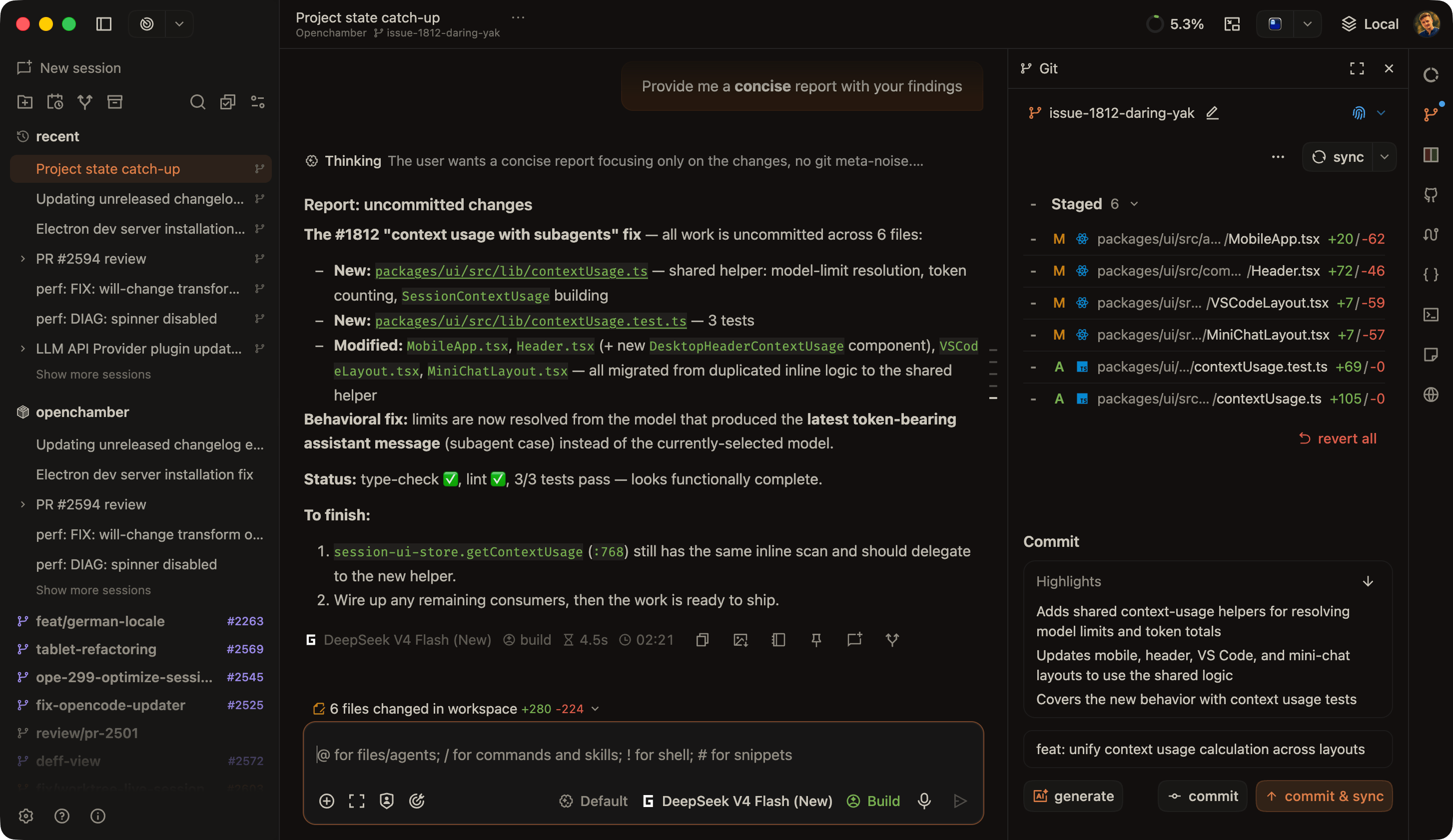
openchamber
A second UI on the same opencode server, so both see one set of sessions and auth.
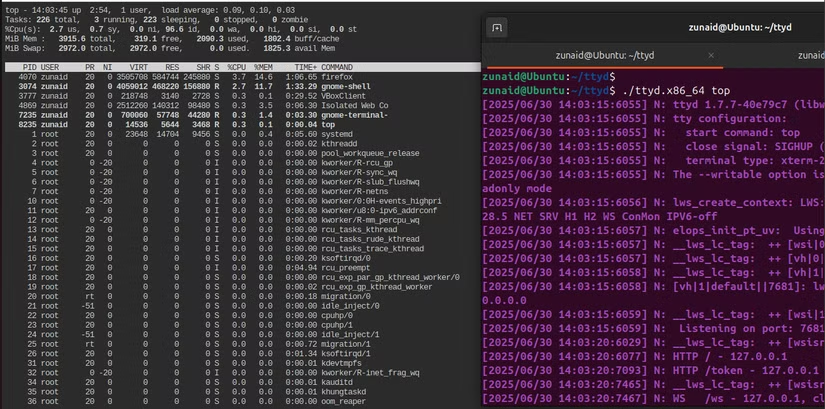
terminal
ttyd — a root shell in the browser. Loopback-only; basic auth when TTYD_CREDENTIALS is set.
obsidian
Obsidian streamed to the browser (Selkies). Vaults live in a named volume; auth is opt-in.
t3code
T3 Code — an agent control surface: drive the stack's coding agents from a web app. Clients pair with a one-time link.
ollama
A local model server — CPU everywhere, with an ollama-gpu variant for NVIDIA hosts.
Why it stays small
The old host script installed everything globally. Here, the host installs Docker and stops.
Thin host
Docker is the only host dependency. node, gcloud/aws CLIs, code-server, opencode — all in containers.
Opt-in everything
Every service is a compose profile. setup.sh asks what to run each time and turns the answer into --profile flags.
Loopback by default
Nothing is published. cloudflared joins the compose network as the only ingress, and only starts with --tunnel.
DooD, not DinD
The host socket plus a docker client baked into the image — docker and compose work inside, no nested daemon.






